Reflex CTRL Original Controller USB Conversion Kits
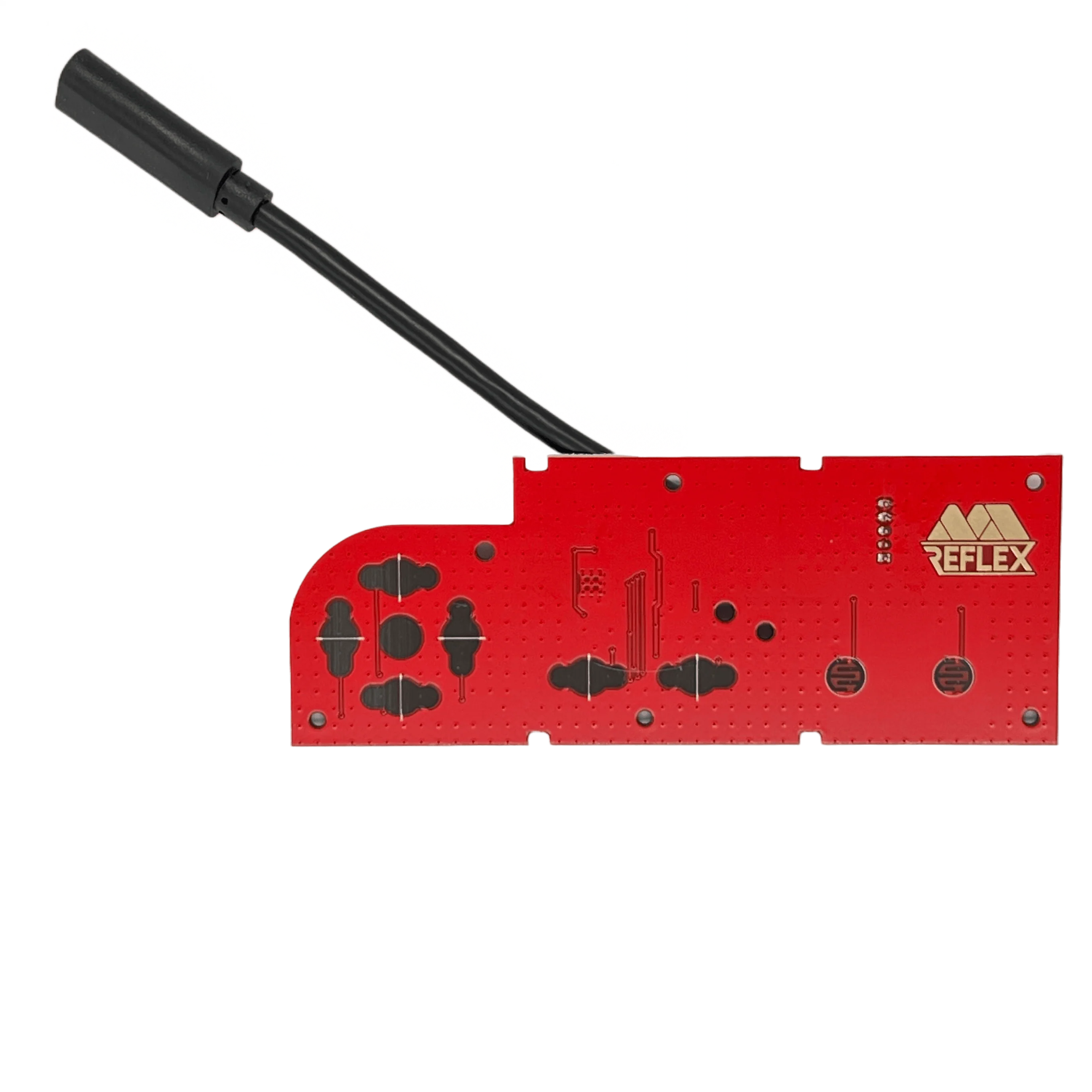
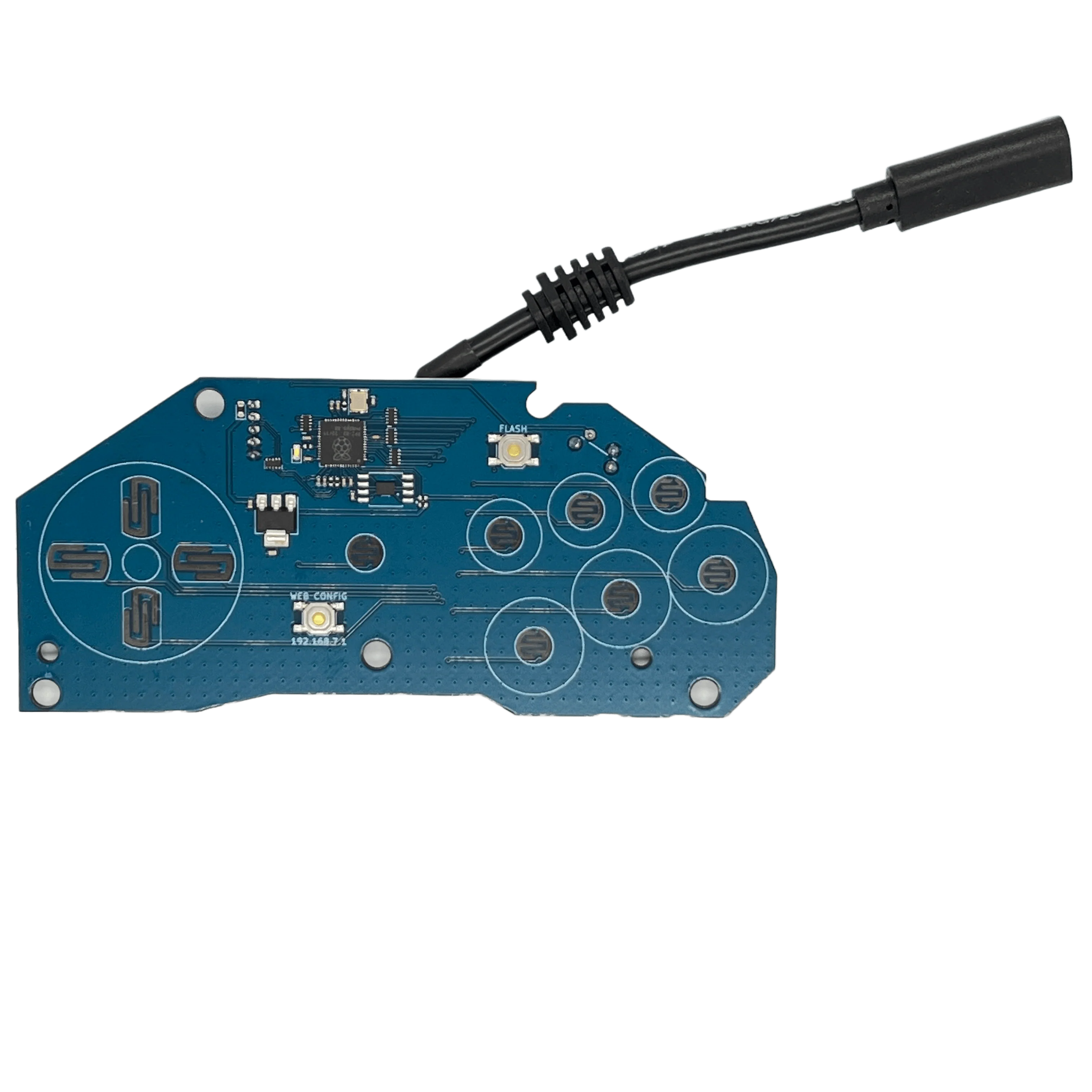
Elevate your classic gamepads to USB capabilities with Reflex CTRL! Boasting the quickest response times of any USB controller available commercially, Reflex CTRL all but eliminates dropped inputs. Featuring the highly versatile, upgradeable, and customizable GP2040-CE firmware, your gaming will never be the same!
How it works
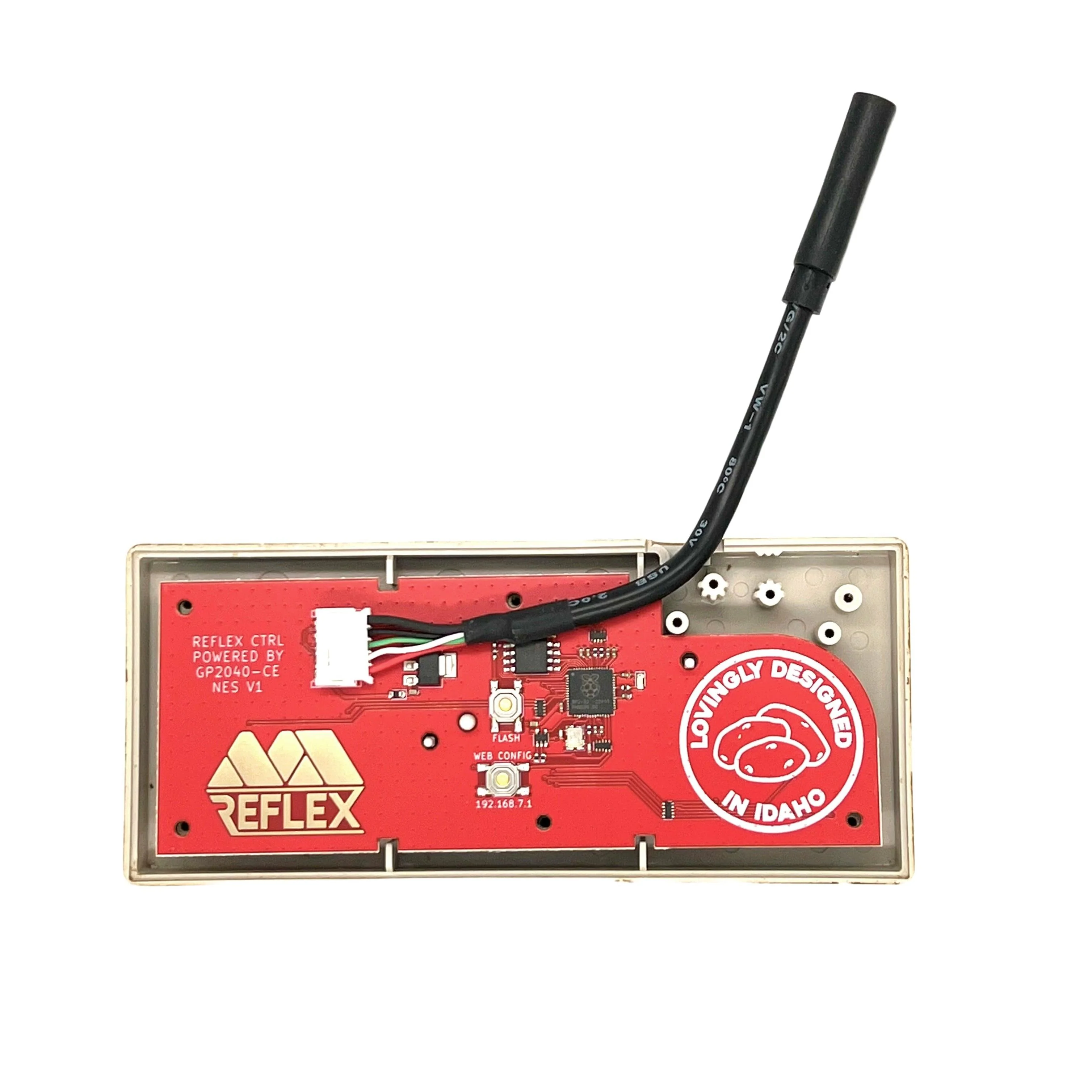
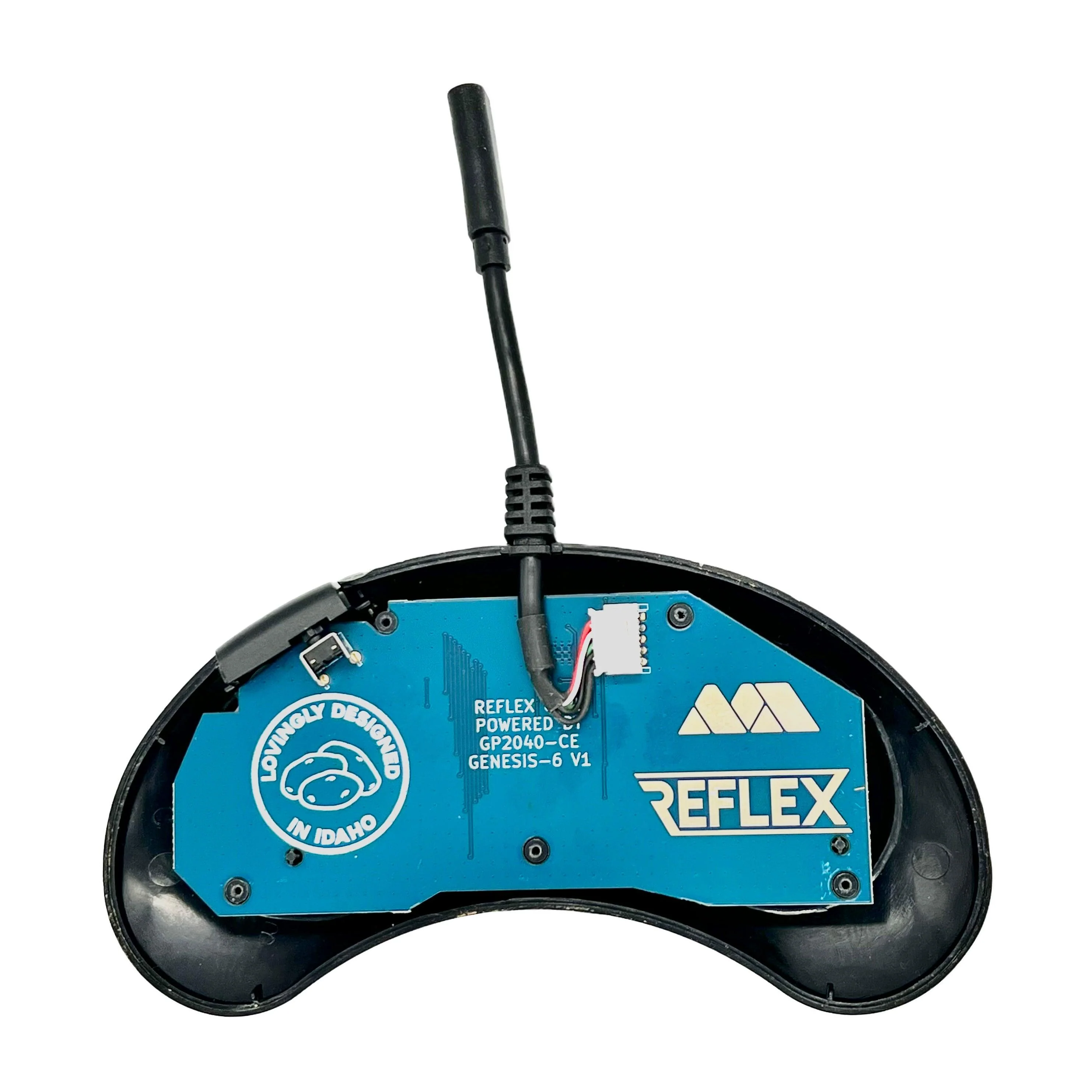
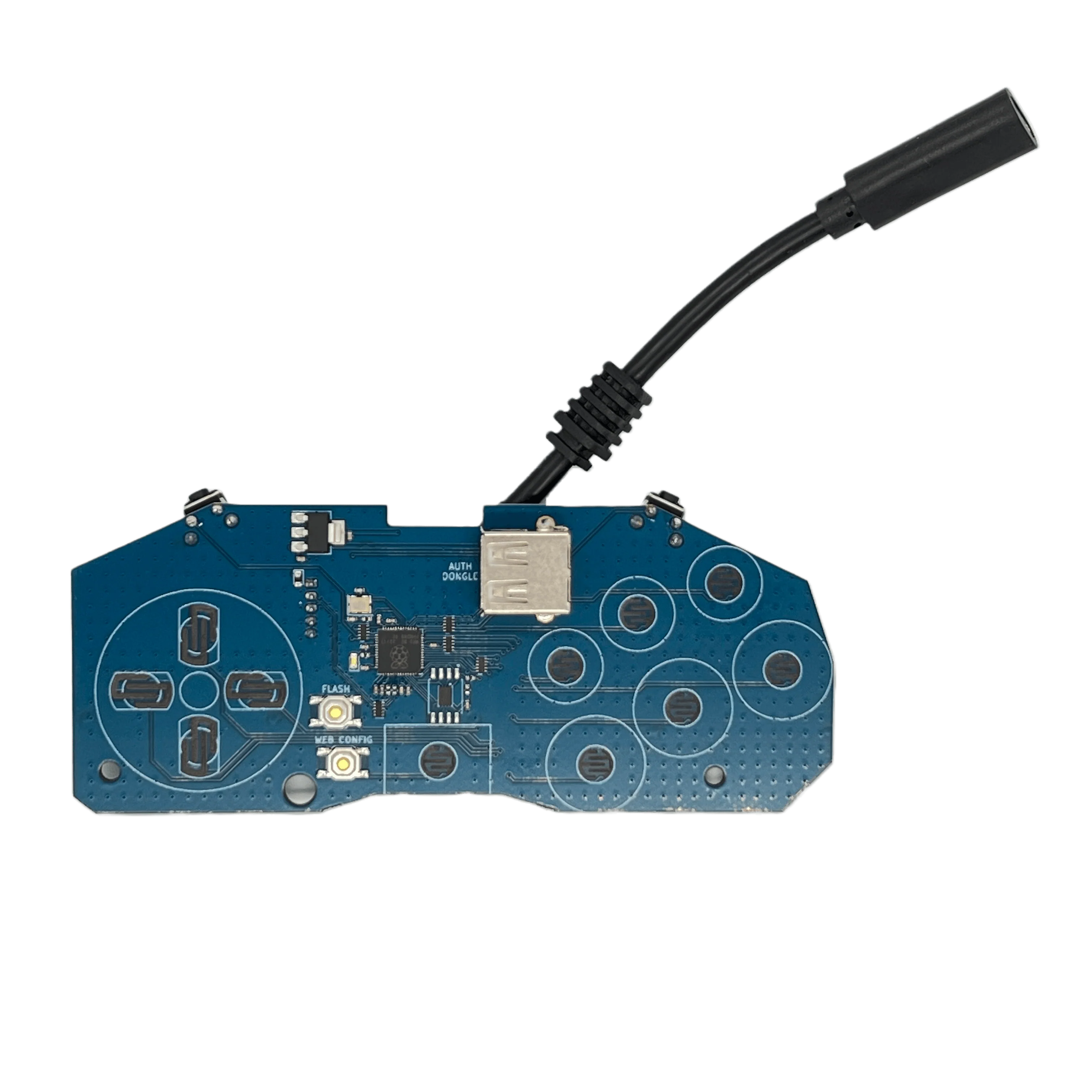
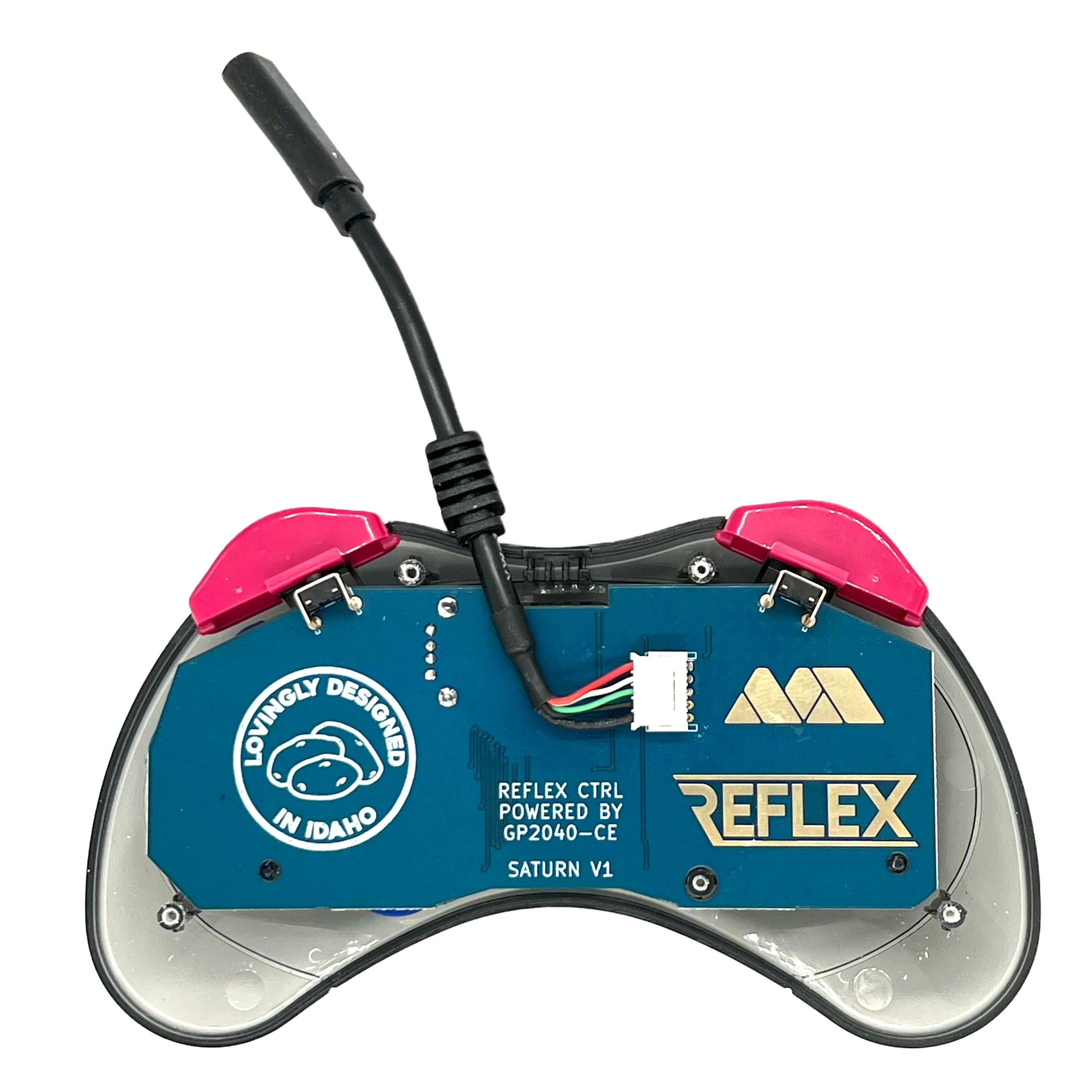
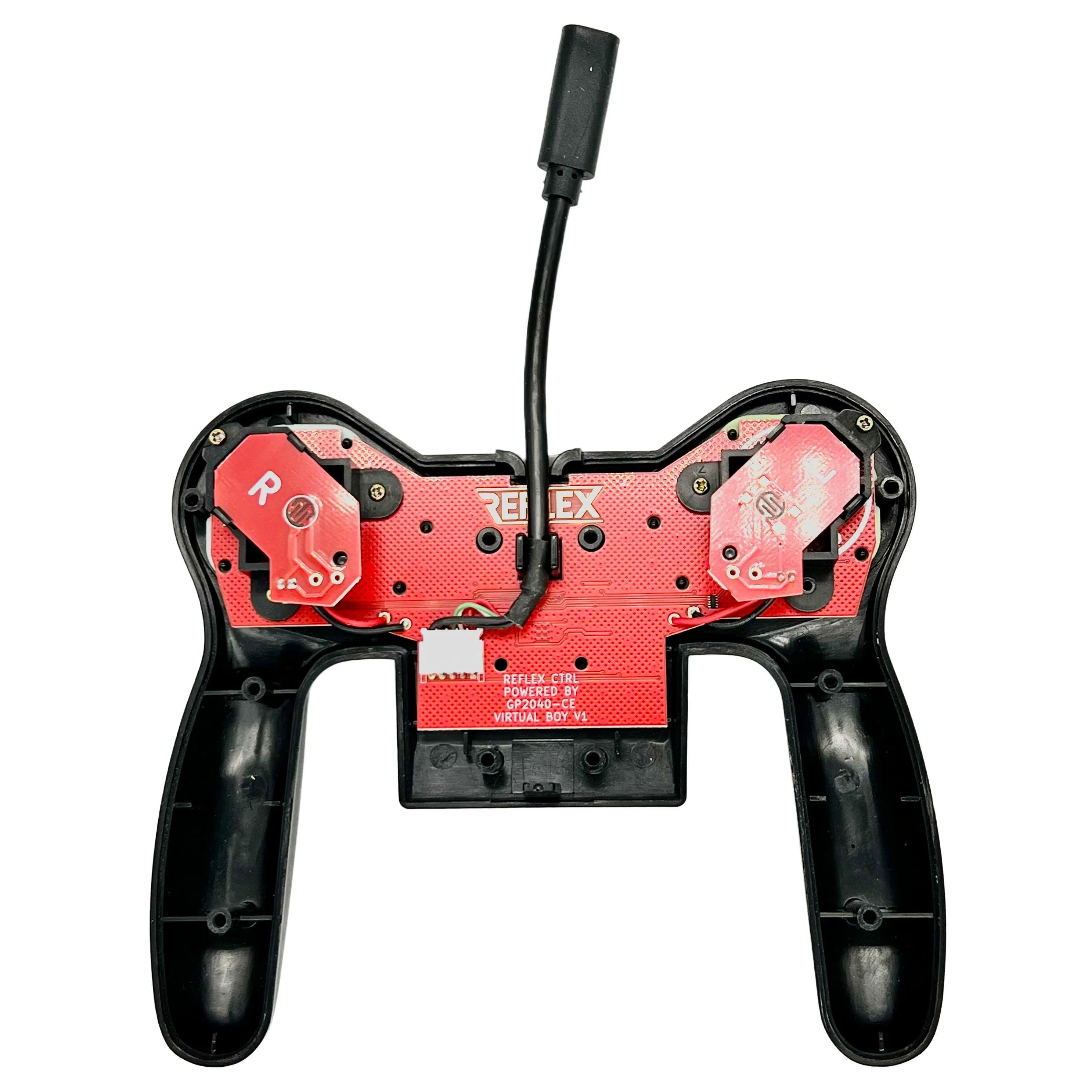
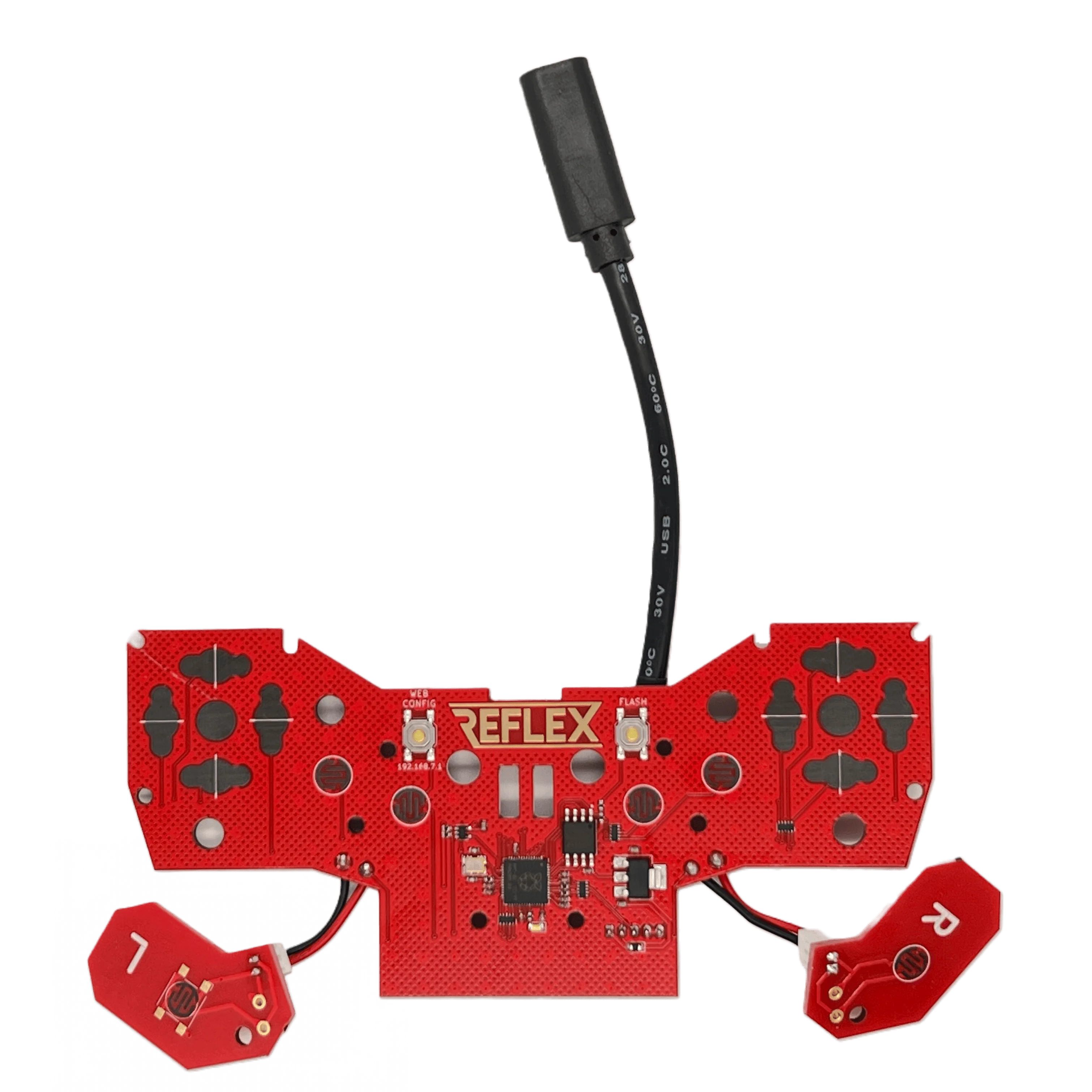
CTRL boards are PCB replacements with a short USB-C female pigtail cable. Unscrew your controller, remove the OEM circuit board, optionally replace the rubber membranes (coming in 2024?), fit the Reflex CTRL PCB, route the USB-C Female cable, and re-assemble the controller. Users provide their own USB-C cable.
Includes
-
Circuit Board
- USB-C Female cable (50mm)
- Bring your own USB-C cable or grab a premium USB-A to USB-C cable here: https://misteraddons.com/products/premium-braided-usb-a-to-usb-c-cable
-
CTRL SNES doesn't currently support USB-C to USB-C cables. All other models do.
Features
-
Open-source, powered by the amazing GP2040-CE
- 0.8 ms latency
- Carbon-coated button pads (just like OEM) for consistency and durability
- ESD protection for all inputs
- Web GUI for deep customization
- Update firmware: Enter Web GUI > Reboot > USB (BOOT SEL)
Installation:
SNES
NES
Basically the same as SNES. Don't route the cable through the posts. Route it directly
Virtual Boy
Do not plug the battery or DC power packs into the controller. The controller is powered over USB.
Saturn
Take care when closing the controller. The white cable connector may press against the back shell. Shoulder buttons are tactile, not microswitches. Microswitch buttons aren't easy to find. Tested in Japanese controllers, USA model 2 controllers, and Retro-bit licensed wired controllers.
Configuration
SNES configuration video
See following tables for controller specific combos.
Change modes by holding down a button while plugging the USB cable
| Controller Mode | NES | SNES | VB | Genesis 6 | Saturn |
| XInput | A | A | R-Dpad → | A | A |
| Switch | B | B | R-Dpad ↓ | B | B |
| Direct Input/PS3 | - | Y | R-Dpad ← | X | X |
| PS4* | - | X | R-Dpad ↑ | Y | - |
| PS5** | - | - | - | - | Y |
* Requires user-provided keys
** Requires authentication USB dongle
Use button combos to activate virtual buttons or change which axis the D-Pad is mapped to:
| Shortcut | NES | SNES | VB | Genesis 6 | Saturn |
| Home = Start + ↑ + | Select | Select | Select | Mode | L |
| Digital = Start + ↓ + | Select | Select | Select | Mode | L |
| Left Analog = Start + ← + | Select | Select | Select | Mode | L |
| Right Analog = Start + → + | Select | Select | Select | Mode | L |
| Turbo Function | SNES |
| Enable/Disable Button |
|
| Increase Rate* |
|
| Decrease Rate* |
|
* Turbo rate is global and applies to all buttons with turbo enabled
Source
Original: $25.00
-65%$25.00
$8.75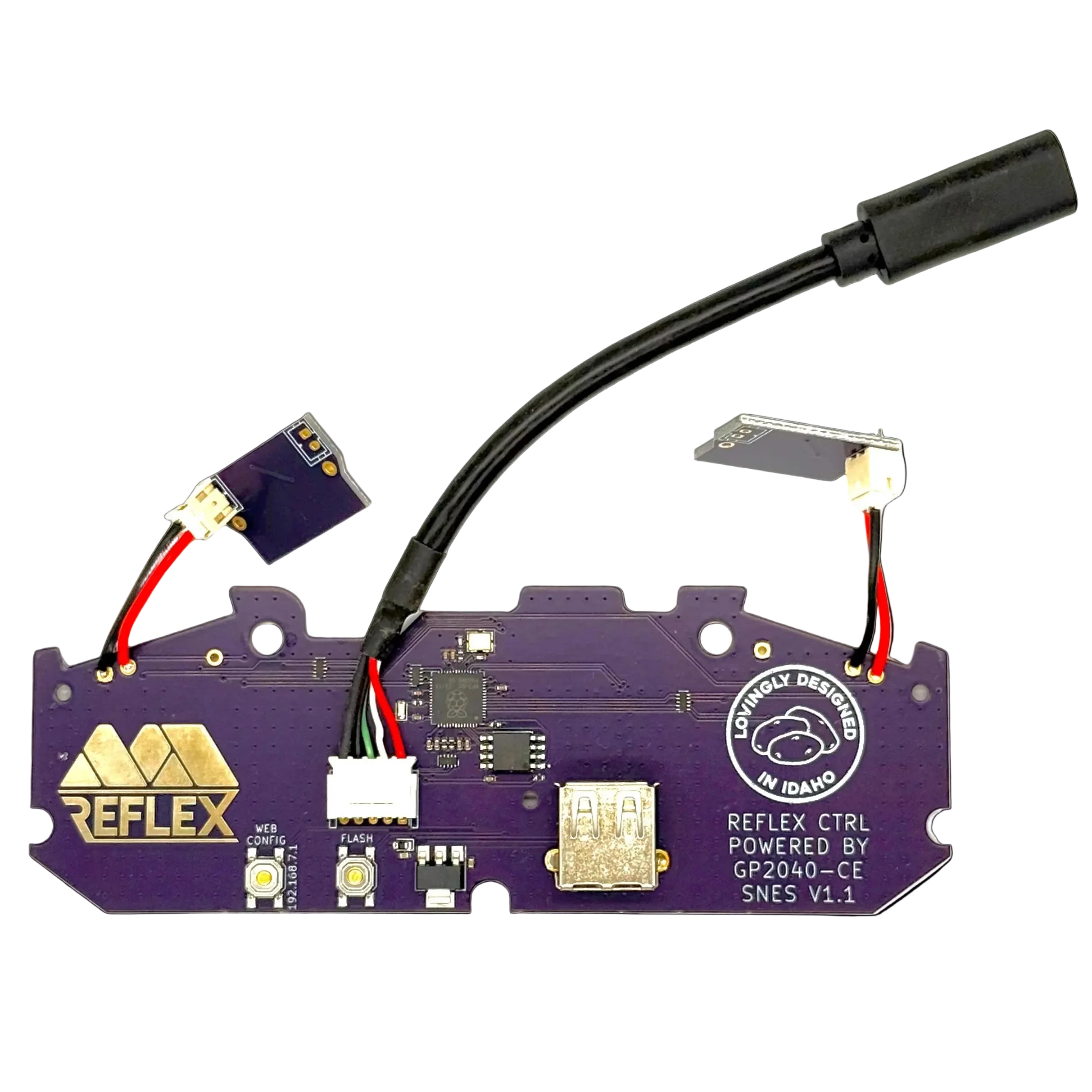
Description
Elevate your classic gamepads to USB capabilities with Reflex CTRL! Boasting the quickest response times of any USB controller available commercially, Reflex CTRL all but eliminates dropped inputs. Featuring the highly versatile, upgradeable, and customizable GP2040-CE firmware, your gaming will never be the same!
How it works
CTRL boards are PCB replacements with a short USB-C female pigtail cable. Unscrew your controller, remove the OEM circuit board, optionally replace the rubber membranes (coming in 2024?), fit the Reflex CTRL PCB, route the USB-C Female cable, and re-assemble the controller. Users provide their own USB-C cable.
Includes
-
Circuit Board
- USB-C Female cable (50mm)
- Bring your own USB-C cable or grab a premium USB-A to USB-C cable here: https://misteraddons.com/products/premium-braided-usb-a-to-usb-c-cable
-
CTRL SNES doesn't currently support USB-C to USB-C cables. All other models do.
Features
-
Open-source, powered by the amazing GP2040-CE
- 0.8 ms latency
- Carbon-coated button pads (just like OEM) for consistency and durability
- ESD protection for all inputs
- Web GUI for deep customization
- Update firmware: Enter Web GUI > Reboot > USB (BOOT SEL)
Installation:
SNES
NES
Basically the same as SNES. Don't route the cable through the posts. Route it directly
Virtual Boy
Do not plug the battery or DC power packs into the controller. The controller is powered over USB.
Saturn
Take care when closing the controller. The white cable connector may press against the back shell. Shoulder buttons are tactile, not microswitches. Microswitch buttons aren't easy to find. Tested in Japanese controllers, USA model 2 controllers, and Retro-bit licensed wired controllers.
Configuration
SNES configuration video
See following tables for controller specific combos.
Change modes by holding down a button while plugging the USB cable
| Controller Mode | NES | SNES | VB | Genesis 6 | Saturn |
| XInput | A | A | R-Dpad → | A | A |
| Switch | B | B | R-Dpad ↓ | B | B |
| Direct Input/PS3 | - | Y | R-Dpad ← | X | X |
| PS4* | - | X | R-Dpad ↑ | Y | - |
| PS5** | - | - | - | - | Y |
* Requires user-provided keys
** Requires authentication USB dongle
Use button combos to activate virtual buttons or change which axis the D-Pad is mapped to:
| Shortcut | NES | SNES | VB | Genesis 6 | Saturn |
| Home = Start + ↑ + | Select | Select | Select | Mode | L |
| Digital = Start + ↓ + | Select | Select | Select | Mode | L |
| Left Analog = Start + ← + | Select | Select | Select | Mode | L |
| Right Analog = Start + → + | Select | Select | Select | Mode | L |
| Turbo Function | SNES |
| Enable/Disable Button |
|
| Increase Rate* |
|
| Decrease Rate* |
|
* Turbo rate is global and applies to all buttons with turbo enabled